







HomeLab Netdata, No Cloud: Local Parent/Child Streaming for a Homelab You don’t need Netdata Cloud to get a single, local dashboard for multiple servers. This guide shows how I run a parent/collector on demoparent1.int.domain.com, stream three+ child nodes (like demochild1.int.domain.com) to it, keep the Web UI behind Nginx Proxy Manager at https:
News Coming soon Welcome to Flying Techie. I’m bringing the tech side of my life and the flying side together in one place. Things are still shifting around, so thanks for your patience during the transition.
Home IT Empower Your DNS: Unlocking Efficiency with Terraform & Bind9 As part of my Home DNS Rebuild I decided to use Bind for DNS resolution and Terraform Cloud as an IaC Solution to manage DNS. Using Terraform gives me a lot of options to automate the creation and deletion of DNS entries as part of my workflows and infrastructure lifecycles.
Home IT Enhancing Home DNS: Merging PiHole & Bind9 for Superior DNS It's Always DNS. This might be a joke but more times than I would like to admit, this was the case. I have in the past gone through various DNS setups, and they all worked but was never what I really wanted. But I also did not have
Kubernetes MetalLB Deployment and Monitoring on K3S Cluster To replicate services like you get in AWS or Azure I prefer to have a load balancer. In my Lab I am Running a AVI load balancer but my PI cluster is running in my Home Network Where I do not have the resources available to deploy a dedicated external
Kubernetes K3S Deployment Setting up the Raspberry Pi's This guide is great for the setup up the Raspberry Pi's and also include the K3S and MetalLB deployment described here. Once the OS is installed and the Nodes are accessible using SSH we can begin the deployment process As part
Kubernetes Building a Raspberry Pi Kubernetes Cluster for my Home Overview I use a few selfhosted services in my Home and because I tend to break my Lab environment weekly these services are running on 2 Raspberry Pi's and my NAS on the Home side of my Network. But I have, in the past few months, started using
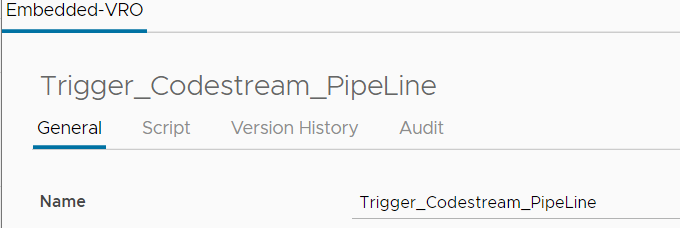
vRealize Automation Code Stream Pipeline Execution Schedule Trigger We are using vRealize Code Stream to automate some Tasks admins need to routinely do. Last week I ran into an Issue whereby we needed to trigger a pipeline on a Schedule. There are 3 options available natively to trigger pipeline executions but none of then would work for us.
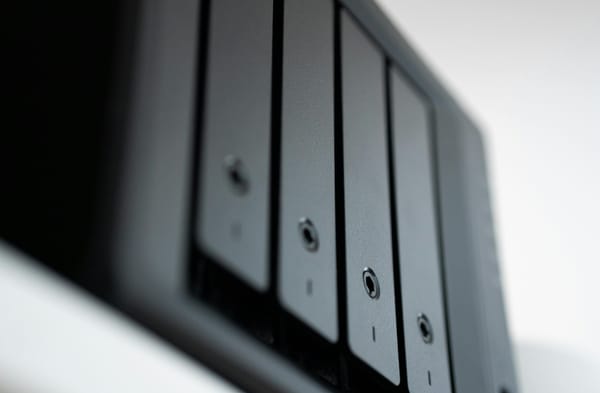
Synology Setting up my Synology NAS for my Homelab Any business or homelab will at some point require shared storage. Even thou there are many solution out there to build your own NAS I found the easy of use and compatibility of Synology or QNAP NAS systems worth the extra initial capital investment, They just work. I have a
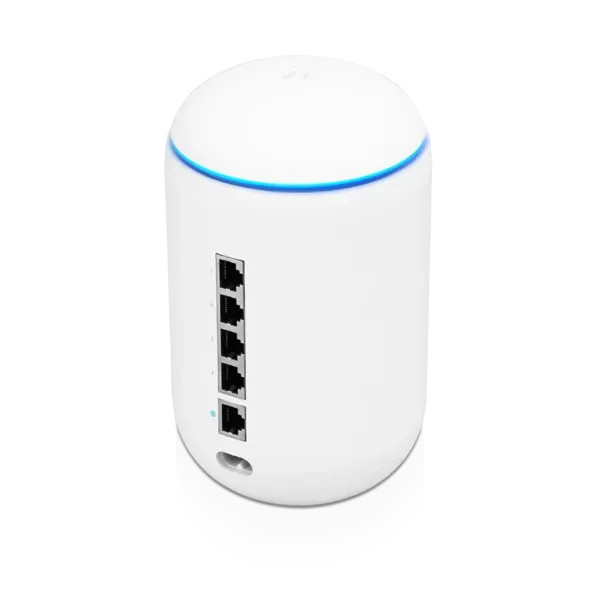
HomeLab Setting Up my UniFi Dream Machine for my Homelab The UniFi Dream Machine might not be the Ultimate Firewall for your homelab. pfSense might be more Hands on, or running a Palo Alto of Cisco Firewall more Enterprise like. But the Dream Machine does have all the features I require, Good Support and a Pretty Interface. The Home Datacenter
HomeLab The Home Datacenter Company Starting a new business(Homelab) is not an easy task. Part of the tasks that might fall into your area. The IT infrastructure for a new Business is challenging. Budgets are generally small, Skills are expensive, time is tight and requirements are ever changing. a Lot of startups might choose
HomeLab Homelab - Services and Software In the final installment of this series I would like to go thru some of the software used in my homelab and how they are used. The following few posts I will go thru the Setup and Building of all the solutions mentioned here. I started with ESXi 7U2 deployed
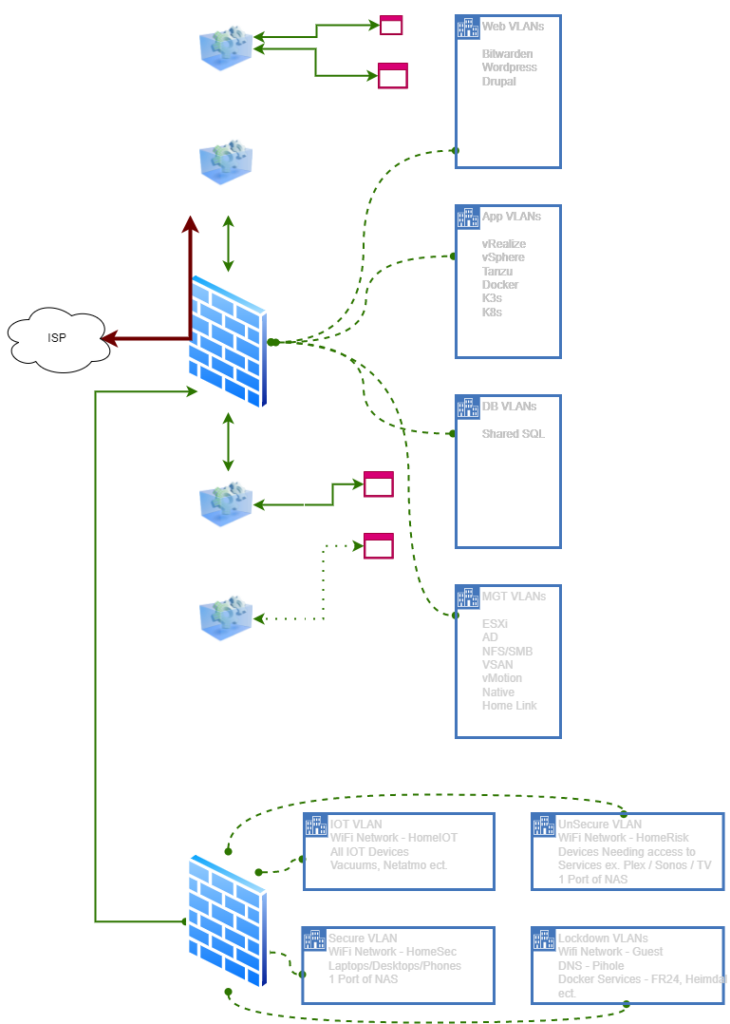
HomeLab Homelab - Network Design For my Homelab Network Conceptual Design I split my Home into two Zones, each behind its own firewall. On the Home side I would segregate Devices in to 3 Categories. * Dodgy - This would mean devices I do not not trust at all, so any IOT device which I do
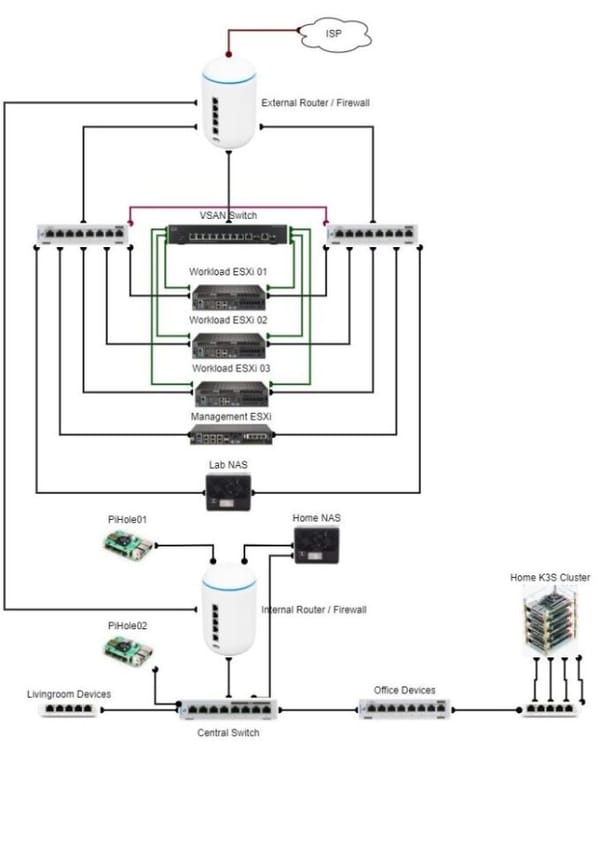
HomeLab Homelab - Physical Design The design of my new home network design was guided by the requirement for Internet stability and Segregation between HomeLab and Home Network as far as possible. Home Networking Design I decided to have my internet come into my Firewall for the Home Lab. This was to ensure that when
HomeLab Homelab - Bill of Material I will split the Bill of Material between what is used for my House and what is used for my Lab. These two are related but I tried keeping them separate as far as possible. I also reused as much of the Hardware I already own and for which the
HomeLab Homelab - Requirements After Multiple bad Homelab builds I sat down this time to look at what I Really need and also what fits my Budget and most importantly what my Family Will accept a a Minimum Viable Product. As my Homelab will form part of my home network and there will inevitably
HomeLab Homelab - My Homelab History My homelab history started about 7 years ago. My first homelab had little design considerations. Maybe about a week or so of reading blogs and watching some video's before I decided to go for Intel NUC Systems. The initial build would consist of 3 Core i3 NUC'